
GRIDINSOFT INTELLIGENCE. NOW ON ANDROID.
Block dangerous
sites.
Keep browsing.
Gridinsoft’s own website analysis, working for your Android. Block connections to phishing, scam and malware sites identified by our technology.
Get it on Google PlayNo account or card required
For Android 10 and later
Gridinsoft technology, used by
global cybersecurity platforms.
THE INTELLIGENCE BEHIND THE BLOCK
Our analysis.
Your protection.
We analyze websites, connect the evidence and build our own verdicts. Web Protection brings that expertise to the connections your phone makes.
Look beyond the link
Site content, domain history, technical signals and threat evidence.
Reach our own verdict
Gridinsoft combines the findings in its proprietary website intelligence.
Put the verdict to work
Your app blocks domains identified for protection against phishing, scams, malware and suspicious sites.
What that means when a convincing link comes your way:
Analyzed by Gridinsoft.
Blocked for you.
Gridinsoft’s analysis identifies the domain as phishing. Web Protection applies that verdict and blocks the connection before the site loads.
How domain blocking works · Illustrative scenario showing how a Gridinsoft verdict becomes protection on your phone.
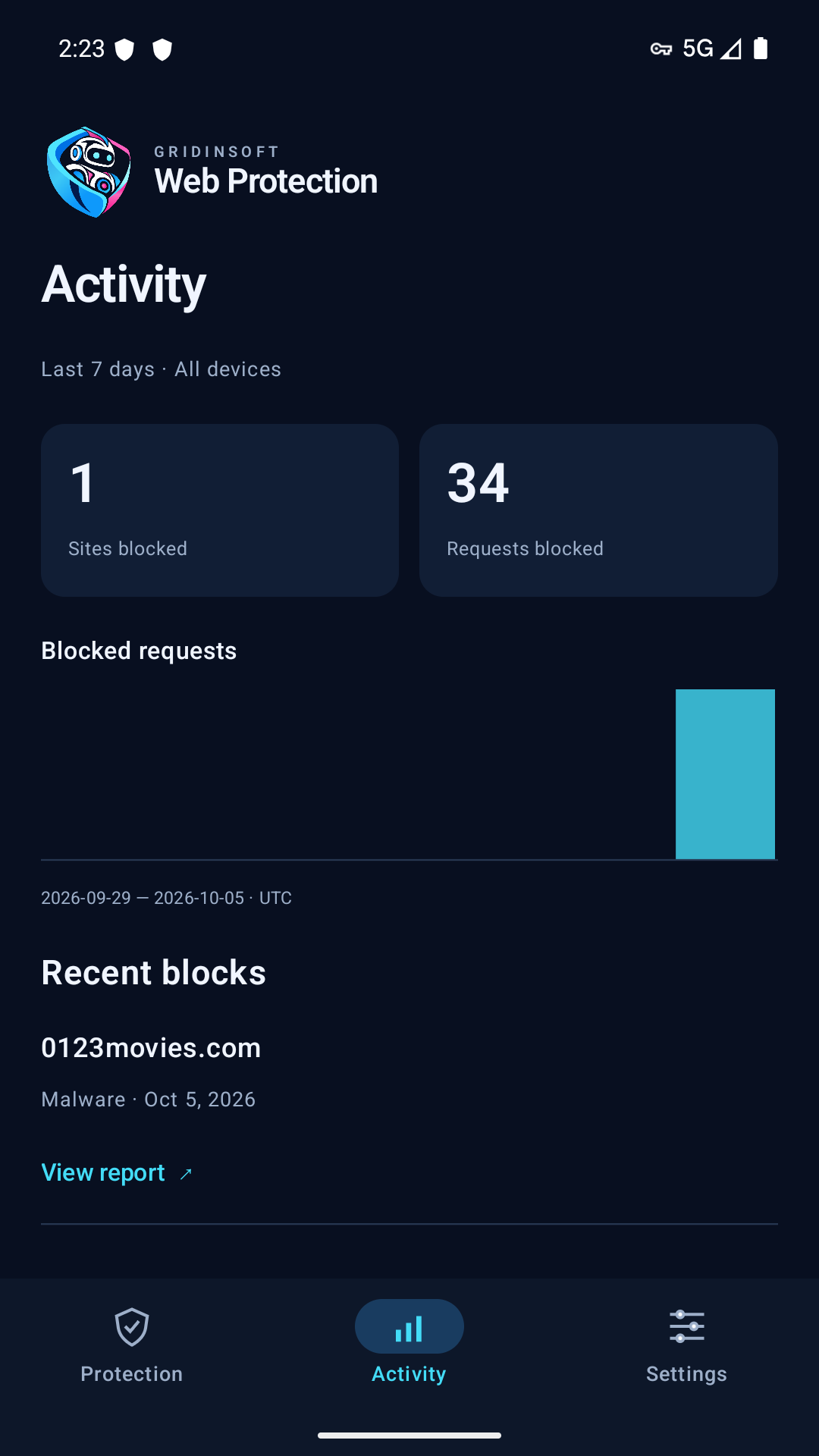
Actual Activity screen. Results vary by device and usage.
LESS GUESSWORK
See what stopped.
Understand why.
Protection should be easy to check, not another mystery running on your phone.
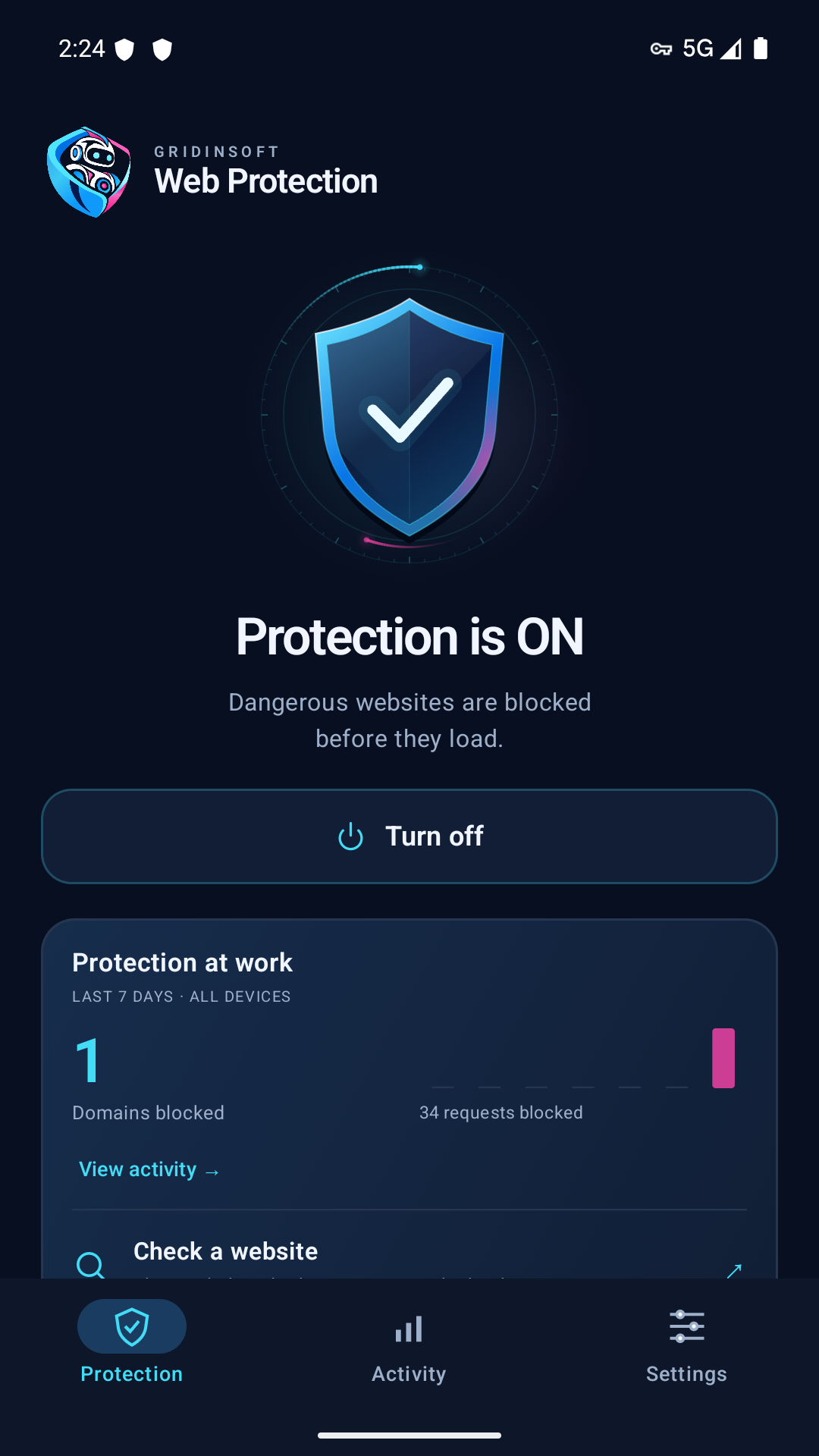
A clear on or off state
Open the app to see whether protection is enabled. Turn it on or off when you need to.
The reason behind a block
Review blocked domains and their categories. Open the available Gridinsoft report for more detail.
Protection in the background
While enabled, domain filtering helps protect connections from browsers and apps that use it.
This is website protection. It doesn’t scan your files or remove malware already on your phone.
FROM HERE TO PROTECTED
Install. Open. Turn protection on.
-
1
Install on Android
Install Web Protection from Google Play.
-
2
Start without an account
Open the app and tap
“Try free for 14 days”. Email is optional. -
3
Turn protection on
Read the in-app disclosure, approve Android’s VPN request and look for “Protection is ON”.
Already have an account? View installation options
TRY WEB PROTECTION
14 days to make it
part of your day.
Your 14-day trial starts when you first enable protection on this installation.

YOUR FREE TRIAL
Everyday protection.
Room to try it.
14 days on this installation · No registration
Get it on Google PlayTO CONTINUE AFTER YOUR TRIAL
Both plans include the same domain protection, block activity and protection updates. Already using guest protection? Buy from the app to link the purchase to your current installation.
USD. Paid plans are billed annually and renew automatically until canceled. Taxes may apply. The final total and renewal terms appear at checkout, processed by PayPro Global.
Do I need an account for the free trial?
No. Install the official website APK and tap “Try free for 14 days” in the app. The trial begins when you first enable protection, after the disclosure and Android VPN permission. Guest access is limited to this installation. Saving access with email is optional; confirm it for recovery and account management. These instructions apply to the website APK, not the separate Google Play release.
What does Web Protection actually block?
Connections to domains that Gridinsoft’s analysis has identified for blocking as phishing, malware, scams or suspicious sites. The app applies our published verdicts at the domain level. It does not analyze every page as you open it, and no service can detect every threat.
Why does Android ask for a VPN connection?
Web Protection uses Android’s VPN connection to send domain lookups securely to Gridinsoft for filtering. It does not hide your IP address or change your location. Only one VPN can be active at a time; apps using their own encrypted DNS may bypass this protection.
What happens after the 14 days?
Choose a paid plan in the website APK to continue. It opens PayPro without a Member login; enter your email at checkout. A completed purchase links to this installation, and purchased places add to existing subscriptions. Confirm your email to manage the account and access other devices. The trial does not automatically charge you.
Where do I download the latest version?
Download the current signed APK directly from Gridinsoft, or follow the installation guide. Version 0.5.12-direct. The app checks for updates; Android asks you to confirm each update installation.
View direct installation →What information does protection use?
Encrypted domain lookups are linked to your registered device. The service keeps limited block events and aggregate statistics rather than a complete browsing history. App diagnostics vary by distribution channel.
Read the Web Protection privacy notice ↗Will it work on my phone?
This release supports Android 10 and later. Get it on Google Play. Public Mac and iPhone downloads are not currently available. Web Protection does not replace an antivirus scanner for installed apps or files.
YOUR NEXT LINK CAN WAIT A MOMENT.
Give your Android
an extra line of defense.
No account or card required